
Download Plastiliq PixelPicker – Color Picker, Screen Color, Pixel Color, Color Code, Hex Color, RGB, CMYK, HTML Color
Overview
Plastiliq PixelPicker is a lightweight, free utility designed for users who need to extract precise color codes from their computer screen. The app serves as a streamlined alternative to complex design software, enabling quick and accurate color sampling without the overhead of full-featured tools like Photoshop. Its primary function is to capture the color of any pixel on the screen and instantly display the corresponding code in multiple formats, making it ideal for designers, developers, and content creators who frequently work with color specifications.
The application targets individuals who require immediate access to color data during digital design, web development, or print production workflows. Whether you're selecting a shade for a website’s background, matching a brand’s color palette, or ensuring consistency across digital assets, Plastiliq PixelPicker delivers the necessary information with minimal effort. The tool is especially useful for professionals and hobbyists alike who value efficiency and simplicity.
Developed by Plastiliq, the app has been available since 2013, indicating a long-standing presence in the productivity software space. Although the developer did not provide additional technical details or background on their broader product line, the app’s enduring relevance suggests a reliable and well-maintained utility. Its niche focus on color extraction positions it as a valuable tool within the digital design ecosystem, particularly for users seeking a no-frills, no-cost solution.
Key Features & Functionality
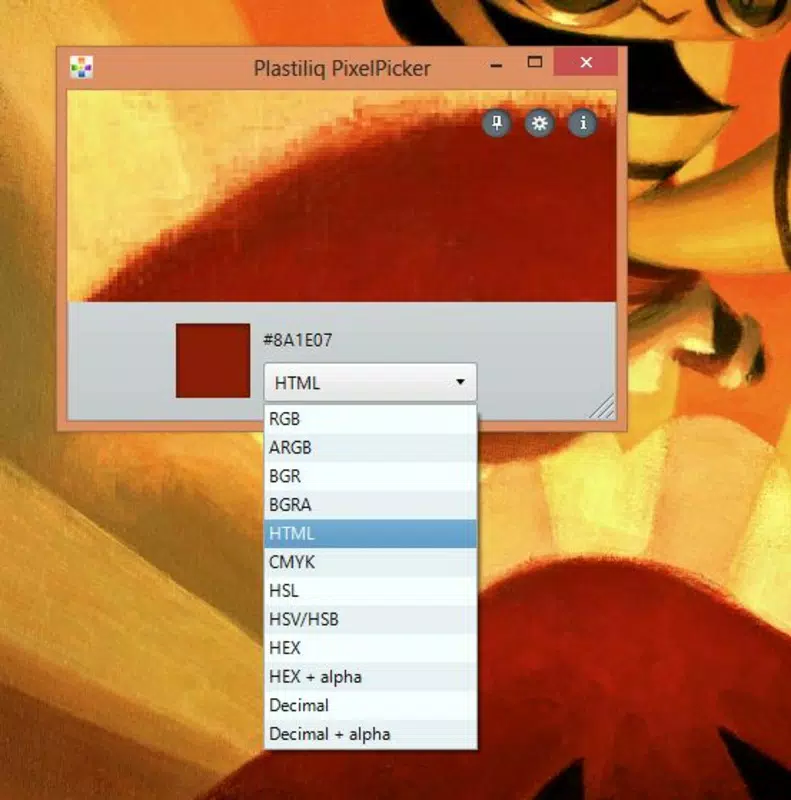
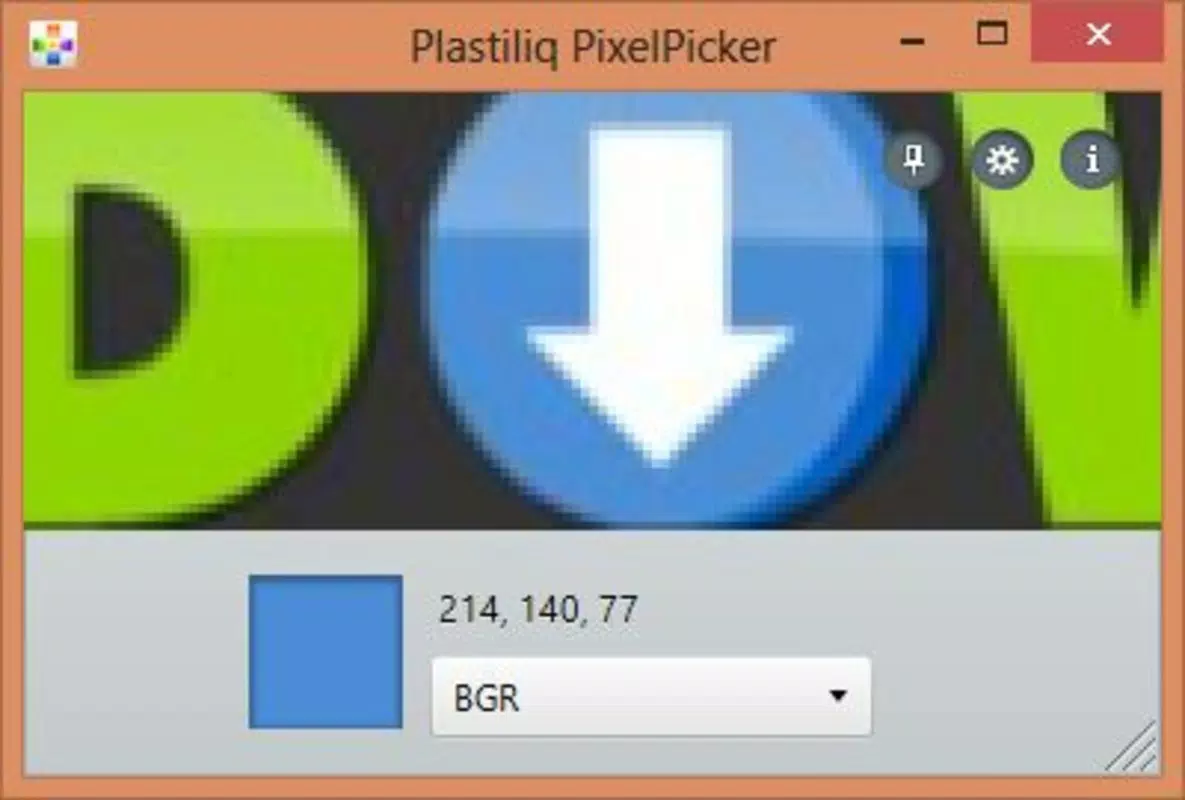
- Multiple Color Formats: Plastiliq PixelPicker supports output in HTML, RGB, CMYK, and Hexadecimal formats, ensuring compatibility with a wide range of design and development environments. This versatility allows users to directly apply the captured color code in web code, graphic design software, or print workflows without manual conversion.
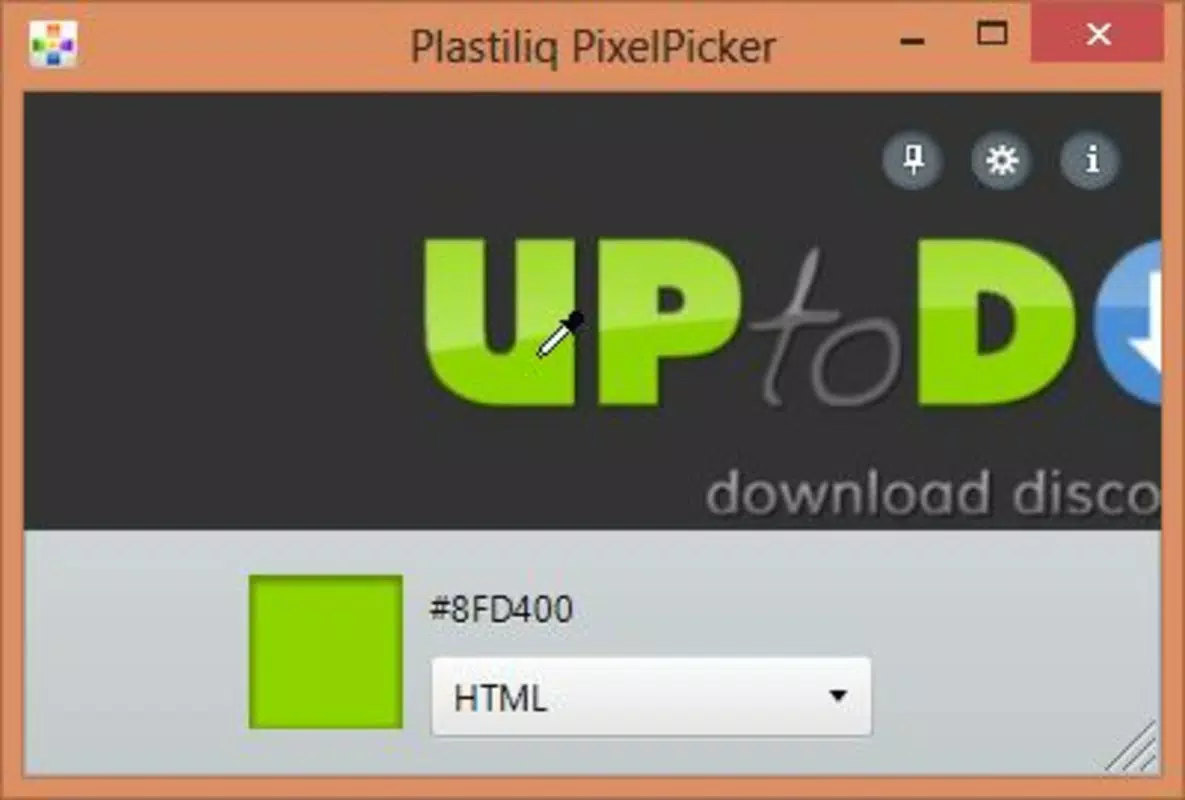
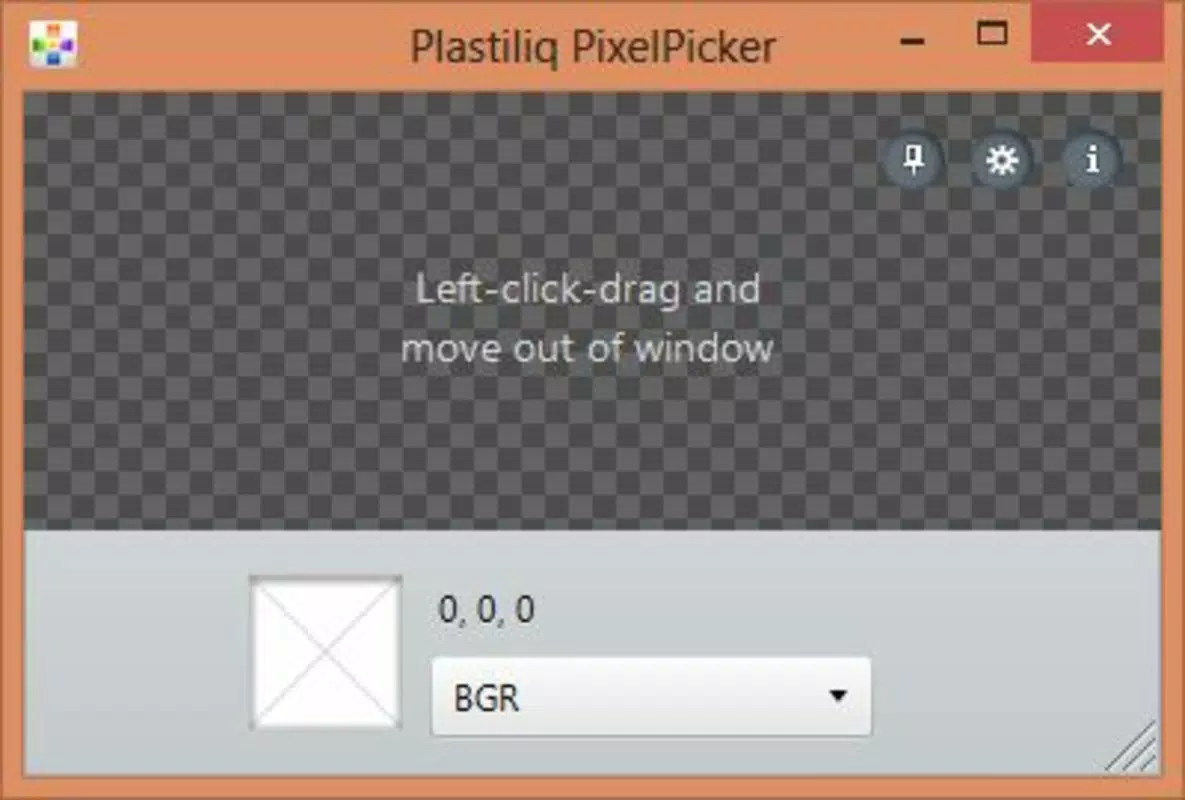
- Easy Color Selection: The tool enables users to click and drag within the app window to hover over any screen area. A single click captures the pixel color and instantly displays the code, streamlining the selection process for rapid prototyping or iterative design work.
- Clipboard Integration: Once a color is selected, the code is automatically copied to the system clipboard. This feature eliminates the need for manual copying and pasting, significantly improving workflow efficiency during coding, branding, or layout tasks.
- System Tray Functionality: The application can be minimized to the system tray, allowing users to maintain a clean desktop while retaining instant access. A click on the tray icon or use of a keyboard shortcut reactivates the tool, making it ideal for extended design sessions.
- Completely Free: The app is available at no cost with no premium tiers or hidden fees. This accessibility makes it a valuable resource for students, freelancers, and professionals across all experience levels who need a dependable color utility.
For example, a web developer working on a responsive site can use Plastiliq PixelPicker to sample a color from a client’s logo, instantly retrieve the Hex code, and paste it into their CSS file. Similarly, a graphic designer preparing a print layout can capture a color from a mockup and export it in CMYK format for accurate printing.
Interface, UX & Performance
Plastiliq PixelPicker features a minimalistic interface designed for speed and clarity. The main window is compact and unobtrusive, with a simple overlay that allows users to navigate the screen without distractions. The visual style prioritizes functionality over aesthetics, using clear labels and a clean layout to display color information.
Navigating the app is intuitive: users activate the tool, hover over the desired screen area, and click to capture. The response time is immediate, with no noticeable lag between selection and code display. Although the developer did not list formal performance metrics, the app’s lightweight nature—just 1.5 MB—suggests efficient resource usage across a range of Windows devices.
Responsiveness is consistent, with the tool maintaining stability even during prolonged use. The system tray integration ensures it remains accessible without consuming screen space. While compatibility with older Windows versions was not specified, the app’s small size and straightforward design imply broad support across standard desktop environments.
Platform Compatibility & Technical Requirements
Plastiliq PixelPicker is designed for the Windows platform and requires no additional software dependencies. The current version is 1.2.0, with a file size of 1.5 MB, indicating a lightweight footprint suitable for low-resource systems.
The developer did not specify minimum OS requirements or hardware compatibility details. However, given its release date of 2013 and minimal size, it is likely compatible with Windows 7 and later versions. Users should verify system compatibility before installation, especially on newer or less common configurations.
Pros and Cons
- Lightweight and fast-loading application
- Supports multiple color formats for flexible use
- Automatic clipboard integration enhances workflow
- System tray functionality keeps workspace tidy
- Completely free with no ads or in-app purchases
- Only available for Windows (no macOS or mobile support)
- No official update history or changelog provided
- Minimal UI customization options
- Compatibility with newer Windows versions not explicitly confirmed
- Limited documentation or user guides
FAQ
Is Plastiliq PixelPicker safe to download and use?
Yes, the app is free and does not include malware or intrusive ads. As a lightweight utility, it operates with minimal system impact.
Can I use Plastiliq PixelPicker on macOS or Linux?
Currently, the app is only available for Windows. There is no official version for macOS or Linux.
Does the app require internet access?
No, Plastiliq PixelPicker operates offline. All color extraction and formatting functions are performed locally.
Is the app updated regularly?
The developer has not provided a public update log or release schedule. The latest version available is 1.2.0, released in 2013.
Can I customize the keyboard shortcut?
Specific customization options were not listed. The default shortcut is likely fixed, though it may vary based on system settings.
Final Thoughts
Plastiliq PixelPicker remains a reliable, no-cost solution for anyone needing to extract color codes from their screen. Its simplicity, speed, and support for multiple formats make it a valuable tool in both digital and print workflows. While it lacks modern UI polish and recent updates, its core functionality is robust and effective for its intended purpose.
Professionals in web design, graphic arts, and development will benefit most from its seamless integration into daily tasks. For students, hobbyists, or anyone on a budget, it offers a powerful utility without financial or technical barriers.
Despite its age, the app continues to deliver value through its focused design and efficiency. If you need a straightforward color picker that works instantly and reliably, Plastiliq PixelPicker is a strong choice.
Download Plastiliq PixelPicker now


